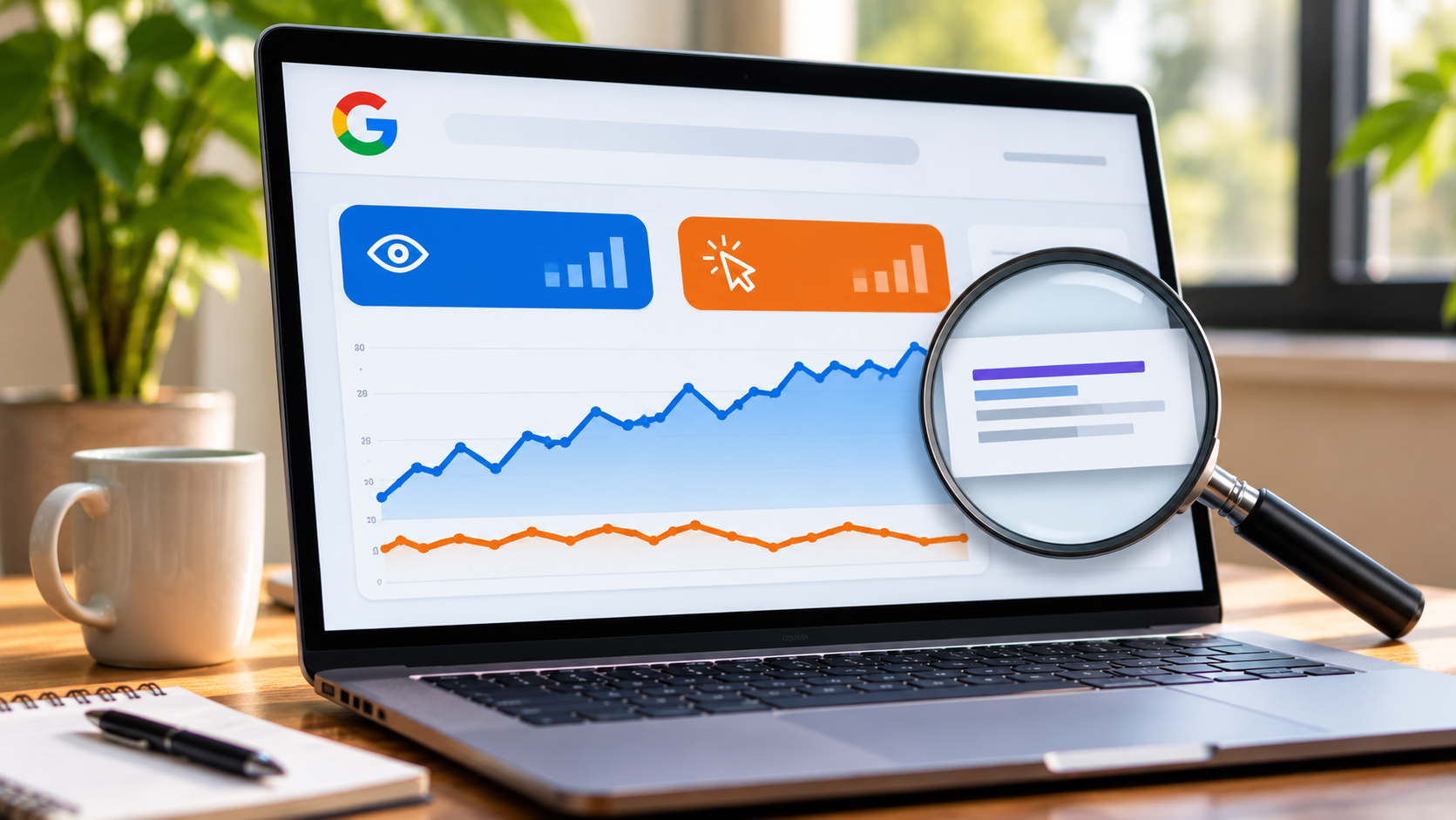
Why Is My Website Getting Impressions but Fewer Clicks From Google?
Seeing your website appear in Google search results is a good sign. It means Google has found your pages and is showing them to people searching for related information. However, more impressions do not always lead to more website visits. You may notice that your impressions are increasing while clicks remain low or start falling.
This problem can affect small businesses, B2B companies, online stores, and local service providers. Your website may appear for hundreds of searches, but people choose another result instead. In many cases, the problem is not your website ranking alone. Your page title, meta description, search intent, and competition can all affect whether someone clicks.
For businesses working with an SEO agency Boston MA, understanding this difference is an important part of reviewing organic search performance. Instead of focusing only on impressions, you need to find out why people see your pages but do not visit them.
What Do Impressions and Clicks Mean in Google Search?
Before fixing the problem, it helps to understand these two Google Search Console metrics.
Impressions: The number of times a link to your website appears in Google Search results.
Clicks: The number of times someone clicks a search result and visits your website.
Click through rate (CTR): The percentage of impressions that result in clicks.
You can calculate CTR with this formula:
CTR = (Clicks ÷ Impressions) × 100
For example, if a page receives 5,000 impressions and 100 clicks, its CTR is 2%.
This means your page appeared in search results many times, but only a small share of users clicked it. Google explains how these metrics work in its Search Console documentation.
7 Reasons Your Website Gets Impressions but Fewer Clicks
Several issues can cause this gap. Check the following areas before making major changes to your website.
1. Your Page Title Does Not Match What People Want
The page title is one of the first things people notice in search results. It tells them what your page covers and helps them decide whether it answers their question.
A title that sounds too general may not give users a reason to click. For example, a page about business accounting software might use the title "Accounting Software." This does not explain who the product helps or what users can expect to find.
A more useful title could be "Accounting Software for Small Businesses: Features and Pricing."
The second title gives readers a better idea of the page content.
When reviewing titles, check that they:
Clearly explain the page topic.
Match the search query.
Describe the benefit of visiting the page.
Avoid repeated keywords.
Stay accurate and easy to read.
Google may generate a different title link from the one you provide if it finds other page text more suitable. Its title link guidance explains how page titles, headings, and other signals can affect the displayed result.
2. Your Meta Description Does Not Encourage Clicks
A meta description gives users a short preview of a page. Google may use it to create the description shown below your title in search results.
If the description is missing, unclear, or unrelated to the search query, users may not see a strong reason to visit your page.
For example, consider these two descriptions:
Weak description: We provide business services to customers. Visit our website to learn more.
Better description: Compare business accounting tools, review key features, and find an option that fits your company's budget.
The second version tells users what they can expect after clicking.
Write a separate description for each important page. Include the main topic naturally, explain what the page offers, and avoid making claims that the content cannot support.
3. Your Website Appears for the Wrong Search Queries
More impressions do not always mean you are reaching the right audience.
For example, an online store selling office furniture may receive impressions for searches about free office furniture images. These searches may bring visibility, but the people using them are not looking to buy anything.
The same issue can affect local service businesses. A company serving Boston may appear for searches from users who are looking for services in another state.
Open Google Search Console and review the Queries report. Look for:
Search terms that generate many impressions but few clicks.
Queries that do not match your products or services.
Searches from locations you do not serve.
Informational searches that lead to commercial pages.
Keywords that have changed in position or search demand.
If a query does not match your business or page, do not try to force it into your content. Focus on searches that reflect what your customers need.
4. Your Average Search Position Has Dropped
Your page may still appear in Google, but its position could have moved lower.
A result near the top of the first page usually gets more attention than one near the bottom. If your page moves from position 3 to position 9, impressions may continue while clicks fall.
Check the average position in Google Search Console. Compare the current period with the previous period and review the pages that lost clicks.
Do not rely on one average position number alone. It combines results from different searches, locations, devices, and search situations. Review individual queries to understand what has changed.
If several important pages have lost visibility, check their content quality, internal links, technical health, and competing pages.
5. Other Search Results Attract More Attention
Your page may rank well and still receive fewer clicks because other results offer something more useful or noticeable.
For example, a search results page may contain:
Paid advertisements.
Local business listings.
Product listings.
Featured snippets.
Image results.
AI Overviews and other search features.
These elements can change how much attention a regular organic listing receives. A user may find an answer directly in the search results or click another result that looks more relevant.
Review the actual search results for your important queries. Check what appears above your page and how competing titles and descriptions present their information. Do not assume that your ranking alone explains the change in traffic.
6. Your Content Does Not Match Search Intent
Search intent refers to what a person wants to find when they enter a search query.
Someone searching for "how to choose a CRM" may want a guide or comparison. A person searching for "CRM software pricing" may be closer to making a purchase.
If your page does not match that need, users may choose another result.
For example, a service page that only talks about a company's background may not satisfy someone looking for service costs, features, or a clear process.
Review the top results for your target searches. Look at the type of pages Google displays, the questions they answer, and the details they include. Then check whether your page provides similar information in a useful and accurate way.
7. Your Search Listing Does Not Build Confidence
People often compare several results before choosing one. If your title looks unclear or your description makes broad promises, users may hesitate to click.
This is especially relevant for businesses selling expensive products or services. A B2B buyer may want to see clear service details, relevant experience, pricing information, or evidence of past work before visiting a website.
Make your search listing accurate. Use a clear title, describe the page honestly, and keep your content consistent with what users will find after clicking.
How to Find the Cause in Google Search Console
Google Search Console can help you identify which pages and queries are responsible for the decline.
Follow these steps:
Open Google Search Console and select your website property.
Go to the Performance report and choose Search results.
Compare the last 28 days with the previous 28 days.
Review total clicks, impressions, average CTR, and average position.
Open the Pages tab and identify URLs with rising impressions but falling clicks.
Select an affected page and open the Queries tab.
Review the search terms that bring impressions to that page.
Compare the results by device and country to find patterns.
You can use this simple table to guide your review:
What You Notice | Possible Reason | What to Check |
Impressions rise, clicks stay flat | Low CTR | Page title and description |
Impressions stay steady, clicks fall | Less attractive search listing | Competitor results and snippets |
Average position falls | Ranking loss | Content, links, and competition |
Many unrelated queries appear | Search intent mismatch | Page topic and keyword targeting |
Mobile clicks fall | Mobile search or result changes | Mobile performance and search data |
Google also recommends checking traffic changes over a longer period. Its guide to debugging Search traffic drops explains how to review changes in clicks and impressions.
5 Ways to Improve Your Website's Click Through Rate
Once you understand the cause, start with the pages that have high impressions and low CTR. These pages already receive search visibility, so improving their search listings may help bring more visitors.
1. Rewrite Page Titles
Make each title clear and specific. Tell users what the page covers instead of using broad wording. Keep the title relevant to the page and the searches that bring impressions.
2. Improve Meta Descriptions
Write descriptions that explain what users will find. For product pages, mention useful product details. For service pages, explain the service and who it helps.
3. Update Content Based on Search Queries
If users find your page through questions that it does not answer, consider adding useful sections. Do not add content just to include more keywords. Answer the questions that matter to your audience.
4. Review Mobile Search Results
Many customers search from mobile devices. Check how your titles and descriptions appear on smaller screens. Keep important information near the beginning so users can understand the topic quickly.
5. Track Changes Before Making More Edits
Avoid changing every title and description at once. Update a small group of pages, record the date, and compare their results after Google has had time to process the changes.
This makes it easier to see which edits helped and which pages need more work.
When Should You Get Help From an SEO Specialist?
If your website continues to receive impressions but clicks keep falling, you may need a closer review of your search performance.
An experienced SEO agency Boston MA can review keyword data, page titles, descriptions, search intent, competitor listings, and technical issues. The aim should be to find the reason behind the decline rather than make random changes across the website.
Businesses serving different areas may also need separate local search strategies. For example, an SEO agency Cape Cod MA may focus on location based searches, local service pages, and the needs of customers in its service area.
A good SEO service should connect search data with business goals. More clicks are useful when they come from people who may become customers, request a quote, or contact your team.
Conclusion
Are your website pages appearing in Google but failing to bring the visitors your business needs? Start by checking your search queries, page titles, meta descriptions, average positions, and the search results shown to your target audience. A few well planned changes may improve your click through rate, but each update should be based on actual data.
We Market MA helps businesses review their online presence and improve their digital marketing services through SEO, website improvements, and other marketing activities. Whether you run a local business in Woburn, a B2B company, or an online store, a clear search strategy can help turn more relevant impressions into website visits.
Frequently Asked Questions
1. Why are my website impressions increasing but clicks decreasing?
Your website may be appearing for more searches, but users may not find your titles or descriptions appealing. Lower rankings, unrelated search queries, and changes to Google's search results can also reduce clicks.
2. What is a good CTR for Google search results?
There is no single CTR that works for every website. It depends on search position, keyword type, competition, device, location, and the kind of results displayed. Compare your pages with their own past performance and similar queries.
3. Can changing my page title improve clicks?
Yes. A clear and relevant title can help users understand what a page offers. However, Google may display a different title, and changing a title does not guarantee more clicks or better rankings.
4. How often should I check Google Search Console?
Review important search performance data at least once a month. If your website has recently lost traffic or you have made major changes, check it more often. Use date comparisons to identify patterns instead of reacting to daily changes.
5. Do impressions help SEO if nobody clicks?
Impressions show that your pages are appearing in search results, but they do not tell you whether those visitors are reaching your website. Use impressions alongside clicks, CTR, position, and conversions to judge performance.
6. Should I delete pages that get impressions but no clicks?
Not right away. First, check the page's purpose, search queries, rankings, and content quality. A page may still support other pages or serve visitors through different channels. Update or remove it only after reviewing its value.
